THE NONSTOP-RUNNING VERDICT: First check whether you deliberately selected continuous mode. Then independently measure room humidity, inspect airflow and operating conditions, and look for ongoing moisture sources. Continuous fan or compressor operation does not automatically mean a broken machine.

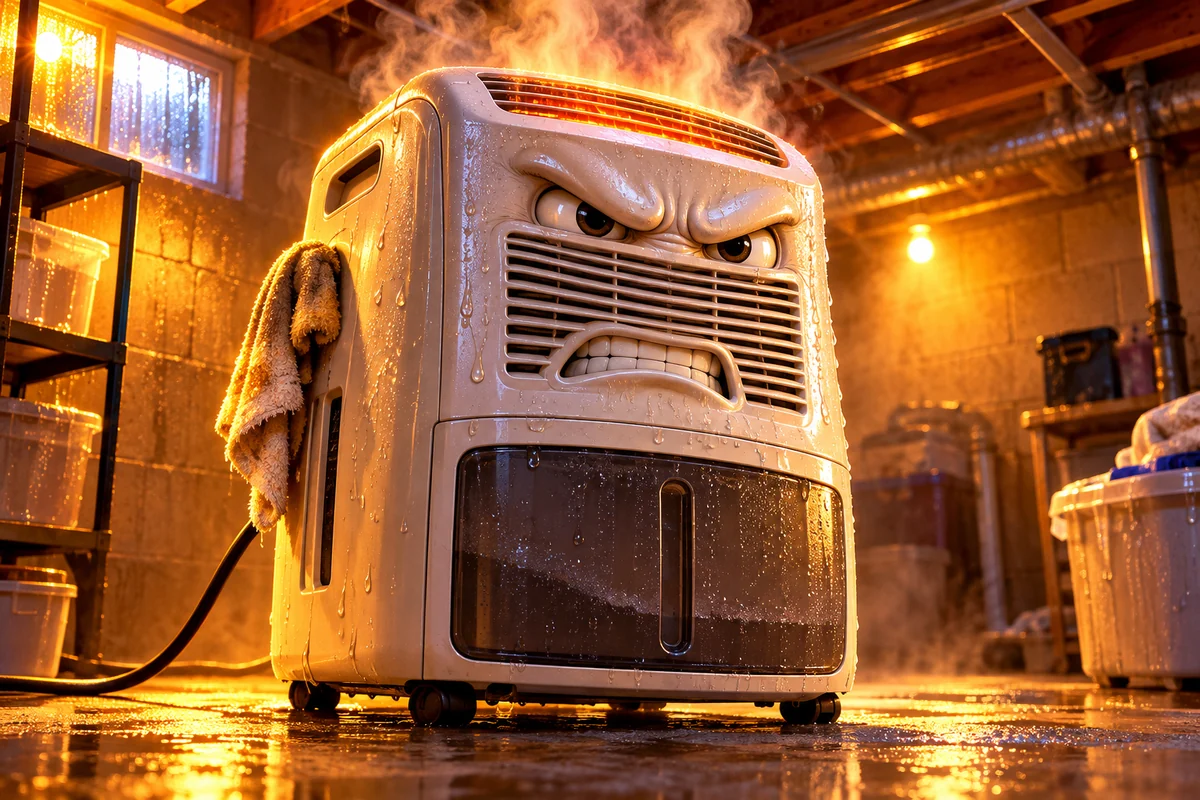
There he is: the furious little dehumidifier, sweating cartoon buckets and looking like he’s about to demand overtime. Now let’s figure out whether the real appliance is doing its job, fighting the wrong job or telling you something is off.
Step 1: Check the actual setting
Some models have a continuous-operation setting that does not try to cycle at a normal humidity setpoint. If continuous mode is enabled, persistent operation may be intentional for that mode. Consult the model’s manual and select an appropriate RH control mode if you want humidity-based cycling. Fan-only operation can also differ from active compressor operation on some models; use the manual rather than treating the sound as a full diagnostic result.
Step 2: Measure the room, not just the display
Use a separate hygrometer placed away from the dehumidifier’s discharge air. If the room remains humid, the unit might be processing a real moisture load or failing to keep up. If the room is already at the intended humidity while the compressor appears to continue under a non-continuous setting, check model-specific control behavior and possible sensor discrepancies before deciding the control is faulty.
Step 3: Inspect the easy restrictions
- Air filter: Follow the maker’s cleaning instructions. A clogged filter can restrict airflow.
- Clearance: Keep curtains, boxes and walls from blocking air intake and exhaust; observe the specified clearance dimensions.
- Temperature: Verify room temperature is in the appliance’s documented operating range. Cooler conditions can change moisture removal and defrost behavior.
- Condensate: Confirm whether the bucket is filling or the drain is removing water. A full bucket or drain fault may stop operation; it is not a universal cause of nonstop running.
- Moisture entering: Look for rain intrusion, leaks, damp building materials and humid air infiltrating faster than the machine can remove it.
Step 4: Decide whether the machine is too small for the job
If actual room humidity stays elevated and the unit is operating correctly, the moisture load or room layout may exceed what it can handle. Before upgrading, read the practical sizing decision and the airflow/zoning decision. Buying a bigger unit while an active leak continues is a spectacular waste of money.
When to stop and get help
Shut down and follow the manufacturer’s safety guidance if there is actual smoke, a burning odor, sparking, repeated electrical trips or other unsafe operation. For controls, refrigerant-system problems, repeated unexplained shutdowns or uncorrected moisture after basic checks, consult approved service guidance. Do not bypass safety switches or open sealed refrigerant components.
Bruce’s final overtime ruling
At setpoint and operating normally? Don’t replace it because the fan runs. Above setpoint with heavy incoming moisture? Fix the source or size the equipment correctly. Malfunction signs? Service or replace based on a verified fault. And if the only problem is a full bucket, our drainage guide can help you stop the bucket treadmill.